


The Income Tax Department launched the new website of Income Tax on June 7th, 2021. The website has had various technical problems since its launch. One of these is the problem related to ITR. Let’s know it in detail here.
Various Errors Related to ITR
People were excited about the new Income Tax website, but after the launch, they are facing various problems with it. The long list of problems also includes problems related to ITR filing, due to which people are getting frustrated. It is obvious that ITR filing is one of the main functions of the Income Tax website, along with other functions. But right now, the website is not able to perform its main function properly.
Submit Query for Error Free Return Filing Software
Common ITR Issues Faced by Taxpayers in FY 2024-25
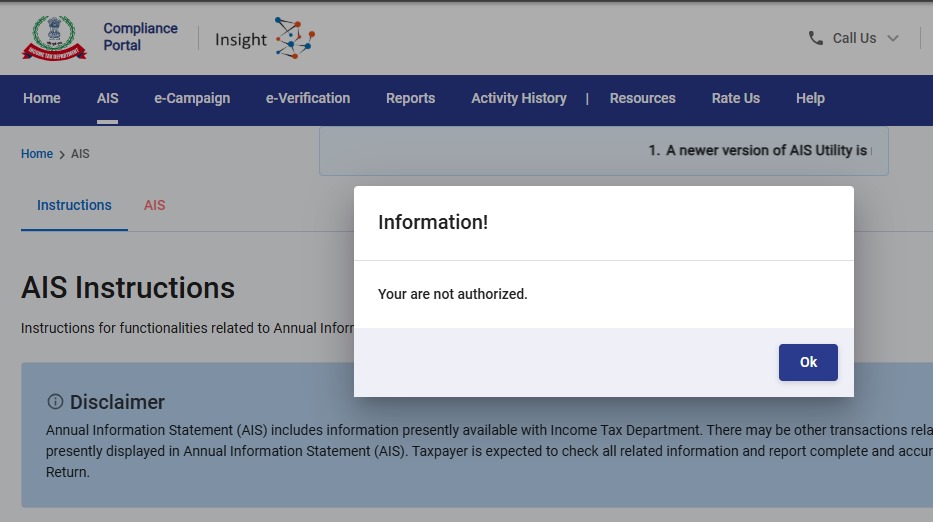
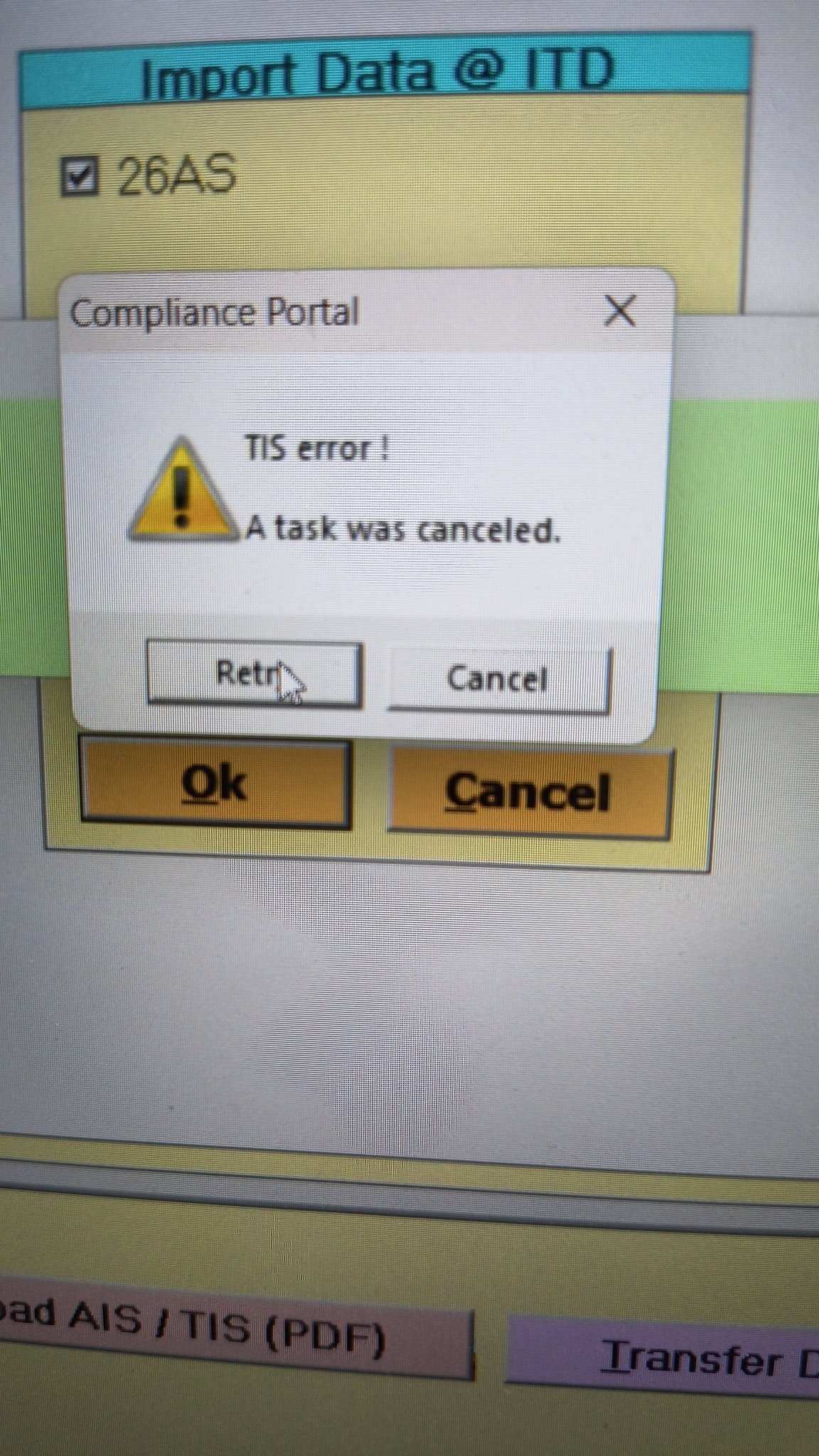
- Error 1: The income tax portal has been issuing an error for the past few days, making it impossible to download the AIS and TIS Data. According to the given challenges in the ITR filing, it would be mindful to think about extending the additional deadline by 2 to 3 weeks. The lack of these important records significantly complicates the tax filing process. Here is the error below –
- Error 2: While submitting the return in ITR-2, the Assessee is facing the following validation error. This error is not coming while filing ITR-3:
- In Schedule CG, the value of b1eii should be: (a) the difference of B1eiA and B1eiB, if eiA > eiB, else 0, if the date of acquisition is before 23 July 2024 and the transfer is on or after 23rd July 2024; (b) 0 in any other case.
- Error 3: While submitting the return in ITR-2, the Assessee is facing the following validation error. This error is not coming while filing ITR-3: In schedule CG, the dropdown at sl. no. B10a, &; Whether the date of limitation /withdrawal was before 23rd July 2024 & is not selected.
- Error 4: While submitting the return in ITR-2, the Assessee is facing the following validation error:
- In Schedule Part-BTI, Sl. No. 15 Aggregate Income of Schedule B-TI is not equal to Sl. No. 12 – 13 + 14
Genius Software Makes Income Tax Filing Easy and Secure
Since Assessment Year 2001-02, Genius tax software has been the number one tax return filing software among Indian tax professionals. Clients can file unlimited returns with this software, including income tax, TDS, AIR/SFT, and other tax forms. Gen BAL (Balance Sheet), Gen IT (Income Tax), Gen CMA, Gen FM, TDS (Tax Deducted at Source) and AIR/SFT make up the six modules of the Genius program. Among the best taxation software in India, Genius provides multiple features such as Backup, Restore, and Password Settings.


the date should be before 01/04/21 for ay 2021-22 error shown when I try to submit return on 24.12.2021
If you are using I-Pad or apple, then please try using andriod platform, your problem will be solved.
3CA-3CB & 3CD , FILE NOW LOGIN RESULT AS -SERVER NOT REACHABLE , TRY AFTER SOME TIME
email error to efilingwebmanager@incometax.gov.in
Need help to clear below error while online ITR 2
1. Please select the drop down of head of income for which corresponding income offered
2. Please select the radio button for the field TDS credit relating to Self/Other Person.
Please select income head under tds details.
Go to Schedule TDS Paid . Select Tax deduct at source. There will be two options . Self and others. Click on Self .
In the same menu , scroll down . There will be an option to select ” head of income for which Tax deducted at source ” Select option from drop down menu ie Income from other source / House property etc.”
Thanks, but it has to be done for every TDS entry. So I have 54 dividend entries and hence 54 TDS entries – do I have to manually do it for every one of those 54? If there is any bulk update method, then pls guide.
Thanks
Go to Schedule TDS Paid . Select Tax deduct at source. There will be two options . Self and others. Click on Self
how to fix this error- ‘Please select radio button for the field TDS credit relating to Self/Other Person in Schedule TDS 2’
Form 3CA/CD has been filed by Chartered Accountant but while accepting the form by the assessee and proceeding to sign the form with the help of DSC the error is showing as “Something went wrong Please try after sometime” and due to which I am not able to accept the 3CD form and sign with DSC. Also I have checked in my profile under key person category that DSC has been registered of the person who is responsible for signing the form with DSC. Kindly help with the problem.
Did your issue got resolved? Although mine issue is the same but while submitting my ITR 3.
While filing ITR 1, radio buttons for answering one of three questions are not working. I can’t move further till I click this radio button. Some times , confirmation of each segment not working even after modifications. Pl let me know the solution.
Hi
While validating ITR, I am getting an error saying-
Please enter amount against nature of Exempt allowances.
Can some one help me how to resolve this issue. All the deductions are already been filled under total deduction section.
Thanks