

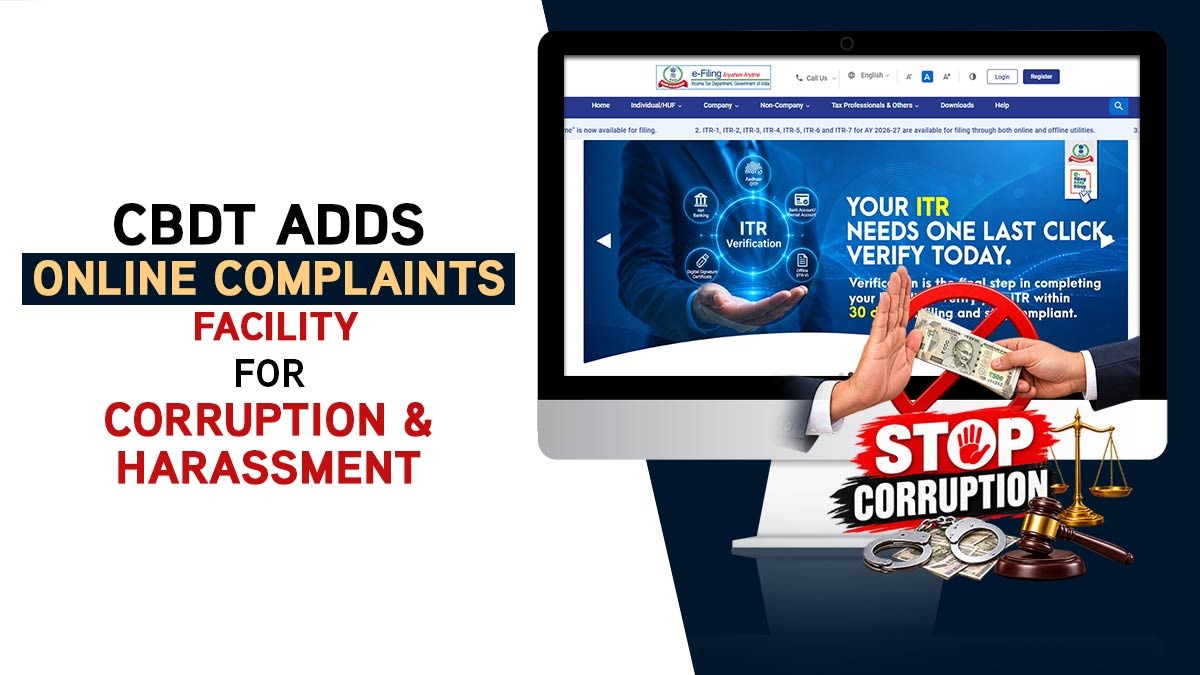
The e-filing portal can now be used by taxpayers to file complaints against income tax officials for corruption, misbehaviour, harassment, and sexual harassment. The facility allows complainants to name the officer involved, mention their designation, and provide a detailed description of the incident.
As yet, people could only approach the officer’s superior or the Chief Vigilance Officer for this kind of issue. Now the reporting of “Corruption” and “Mis-behaviour / harassment / sexual harassment” has separate categories in the general grievance system (e-Nivaran).
How to Report on Income Tax Portal
Taxpayers can use the IT e-filing portal to submit their online complaints against tax officials for corruption, harassment, misbehaviour and other grievances.
For Registered Taxpayers with PAN/Login
- Proceed to the Income Tax e-Filing portal and log in.
- Go to Grievances → Submit Grievance.
- Select Department: Corruption.
- Choose the relevant Category (Corruption or Mis-behaviour/harassment/sexual harassment).
- Select the Region/Directorate.
- Enter the officer’s name and designation, write a detailed description of the issue, and submit.
- Note the acknowledgement number to track the status later.
For Unregistered Taxpayers Without PAN or TAN
- Use the pre-login grievance option on the portal.
- Provide your name, email, and mobile number, complete OTP verification, and then follow the same category selection and details process.
- Track the complaint later via the acknowledgement number and registered mobile number.
You can upload supporting documents; however, they are not always mandatory. Electronic verification is not required to file the grievance. Till now, there has been no detailed public circular that elaborates the internal procedure for managing such complaints or the safeguards present for complainants that has been issued.