


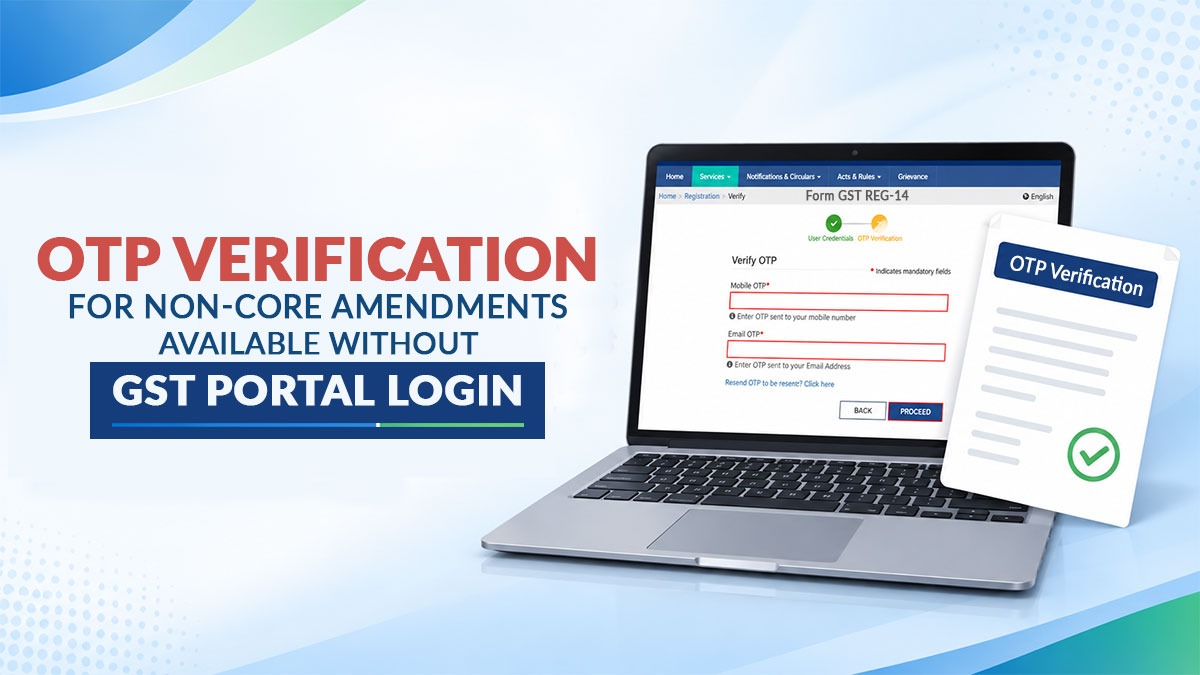
The GST Department has issued an important clarification regarding GSTIN OTP verification for non-core registration amendment applications, confirming that taxpayers can complete this step without logging into the GST portal.
After filing a Form GST REG-14 application for non-core fields, completing the mandatory OTP verification is essential so the application can move forward smoothly and generate the Application Reference Number (ARN).
How to Access OTP Verification Without Logging In
Many taxpayers and professionals look for the verification option inside their logged-in account dashboard, which often causes confusion. The option is provided directly on the GST portal home page without requiring a login session:
- Visit the official GST portal at www.gst.gov.in.
- Go to the Services tab on the top navigation menu.
- Click on Registration.
- Select OTP Verification for GSTIN (also accessible via Registration Quick Links or Site Map).
- Follow the on-screen instructions to complete the prescribed OTP verification.
Key Compliance Points to Keep in Mind
- No Login Required: You do not need to log in to your GST dashboard to perform the GSTIN OTP verification step.
- 3-Day Window: 3-day OTP verification by the applicable persons-such as the Primary Authorized Signatory and selected Promoter/Partner where required-must be completed within 3 days from the date of submission (or resubmission) of the amendment application.
- Faster Processing: Non-core amendments generally do not wait for officer-level scrutiny; once required online validations and OTP verifications are completed within time, the ARN is generated and the amendment is processed automatically.
Source: studycafe.in