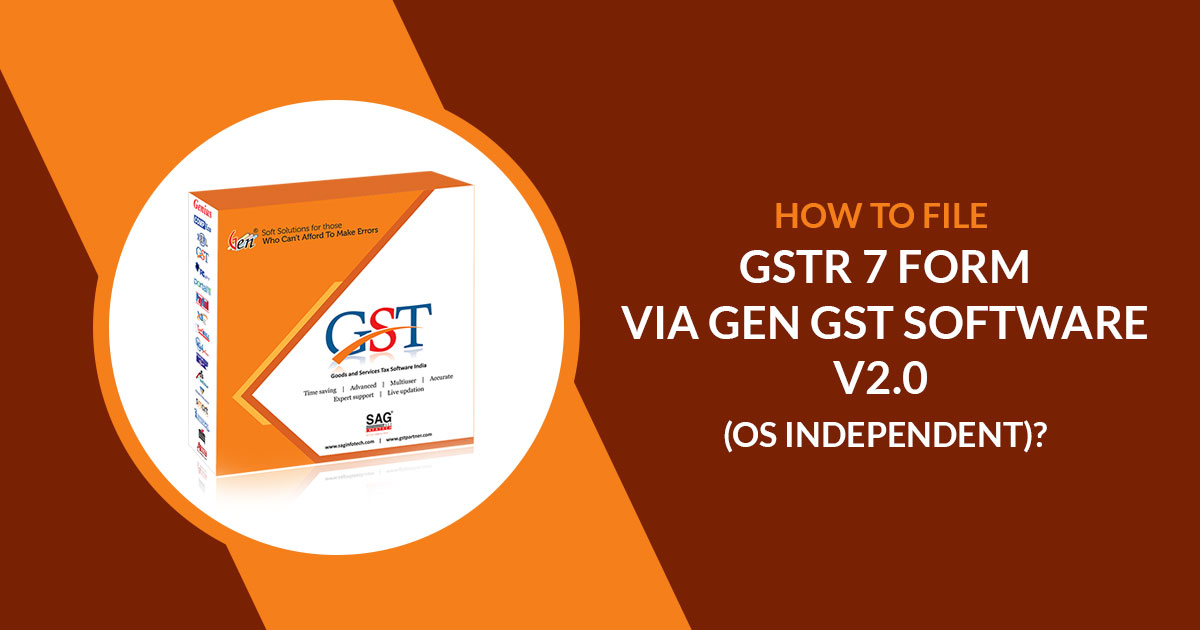
GSTR 7 is a return filing form under GST for all the tax deducted at source taxpayers. For the taxpayer who deducts the TDS from their counterpart must file GSTR 7 as specified in the Goods and Services Tax scheme.
SAG Infotech brings utmost clarity on the GSTR 7 form for the TDS deductors, along with PDF and screenshots having details on the filing process and other relevant information filed through the Gen GST software version 2.0.
Gen GST Return Filing software version 2.0 is capable of unlimited client return filing, billing, and GST E-Waybill solutions. The software provides multiple features in the GSTR 7 forms, including details of TDS (Tax Deduction at Source) along with complete enterprise details.
Steps To File GSTR-7 Via Gen GST Software
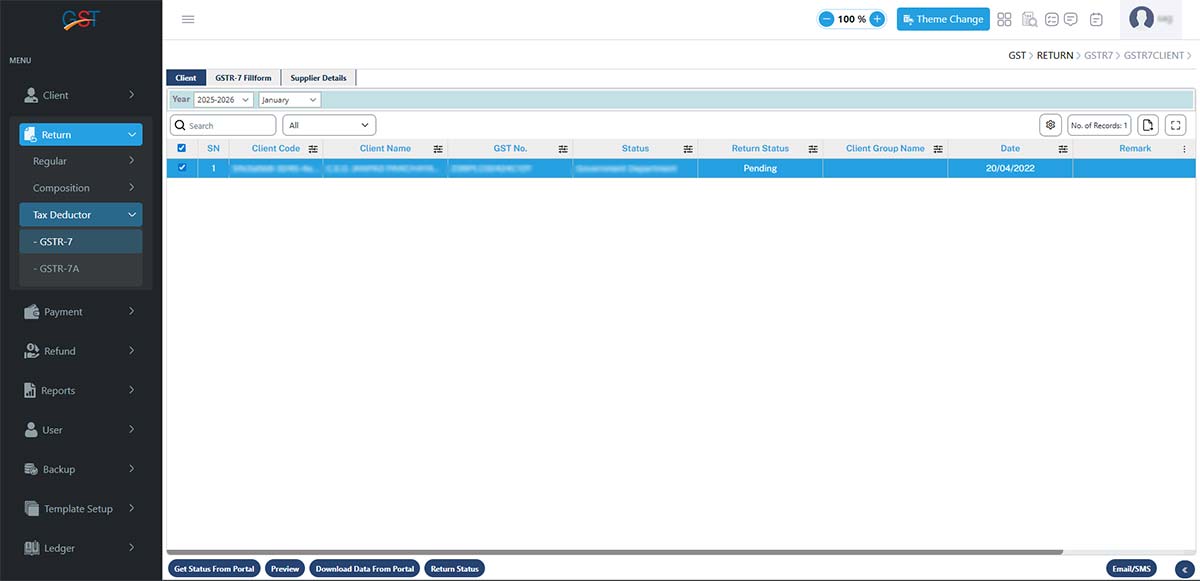
Step 1: First, open Gen GST Online Software and log in using the provided details. Then, move the cursor to Return > Tax Deductor > GSTR-7 and select the financial year (FY).
Step 2: Next, move the cursor to the Import/Export option to import data from the Government portal and JSON files.
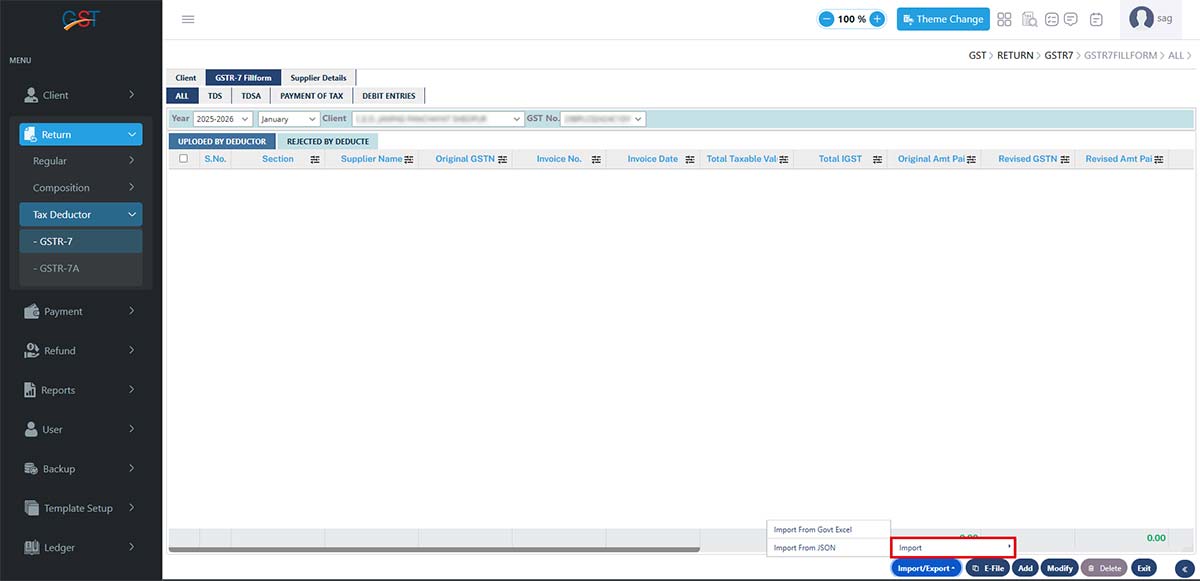
Step 3: After importing the data, the software displays the client details, including name, GSTIN number, year, month, form, and templates for both Government and JSON data.
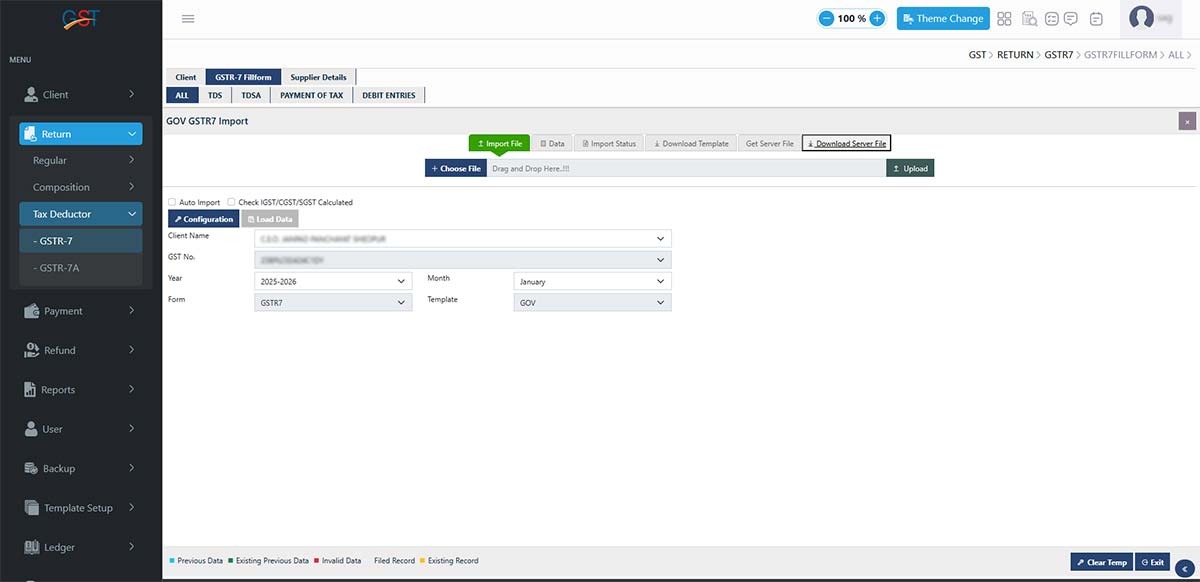
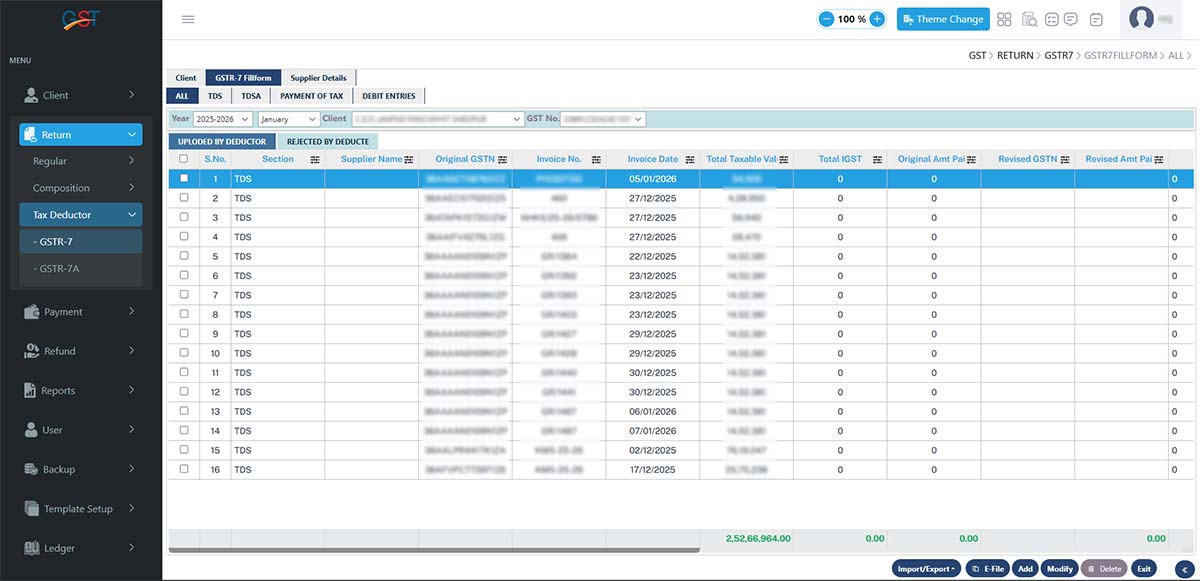
Step 4: Now move on to the next step. After importing the client details, the GSTR-7 data is displayed on the Gen GST dashboard.
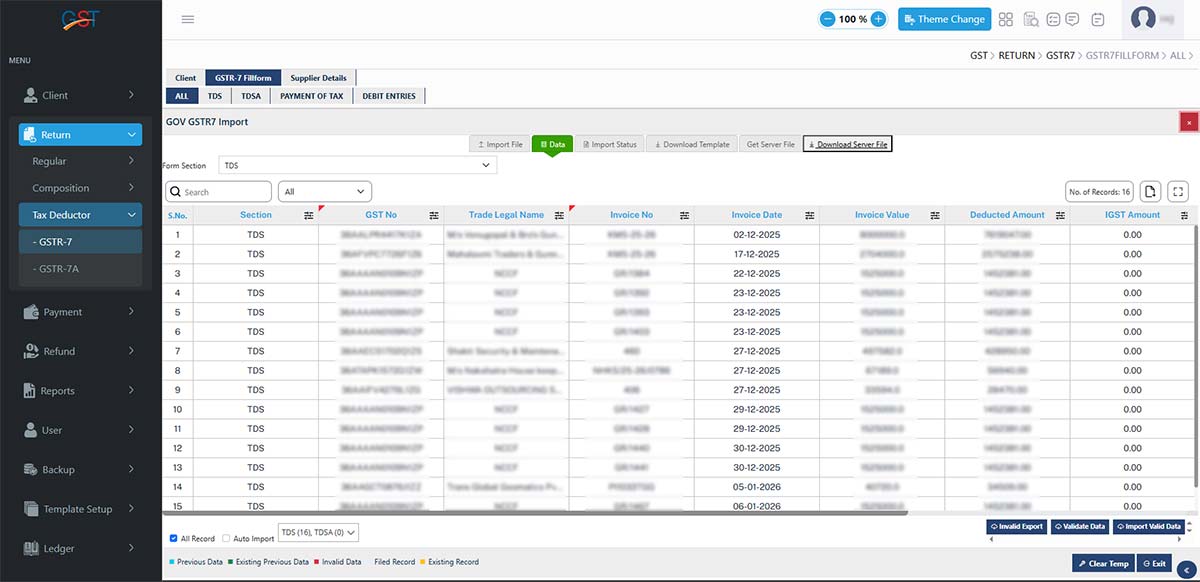
Step 5: Taxpayers can also click on the All, TDS, TDSA, Payment of Taxes, and Debit Entries tabs to view data for each section separately.
Step 6: Proceed to the next step by clicking Generate JSON > Generate JSON, and then click OK. After clicking the OK button, the software displays a confirmation pop-up to generate the JSON file.
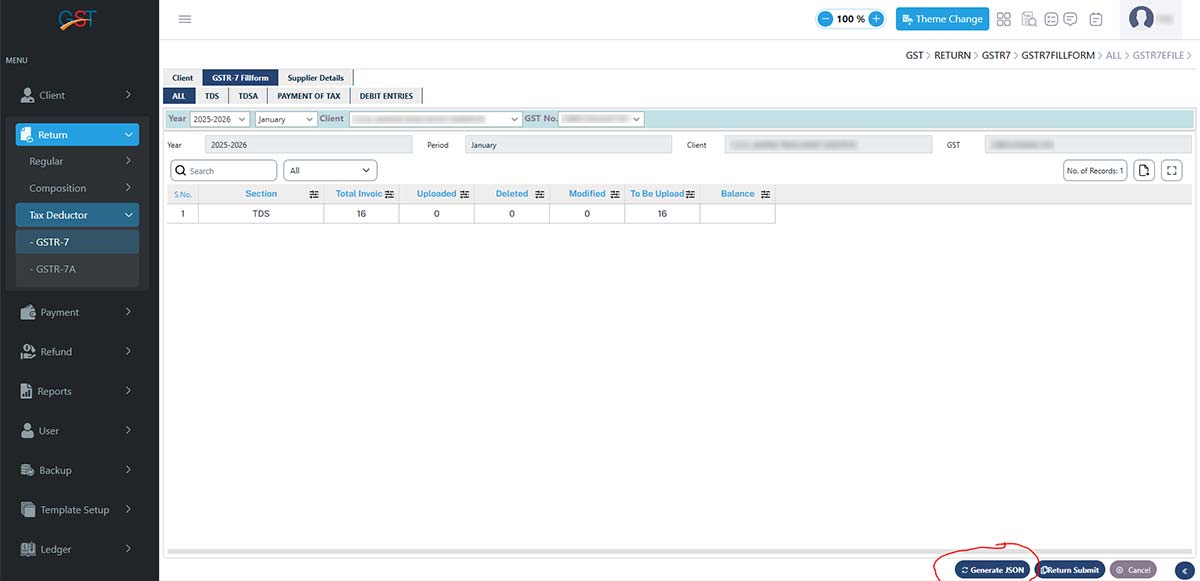
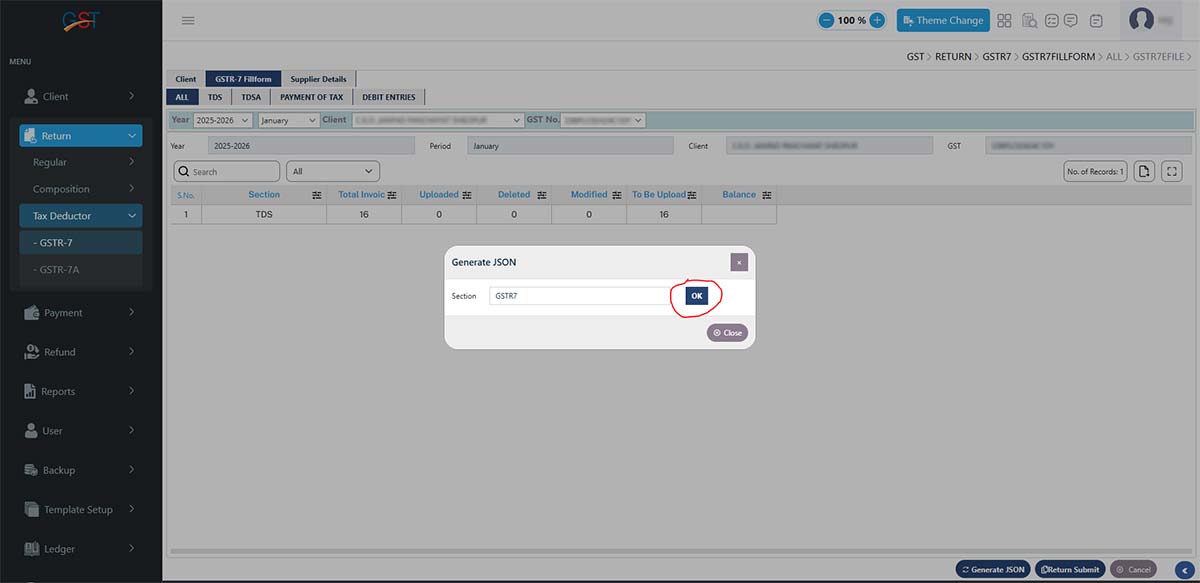
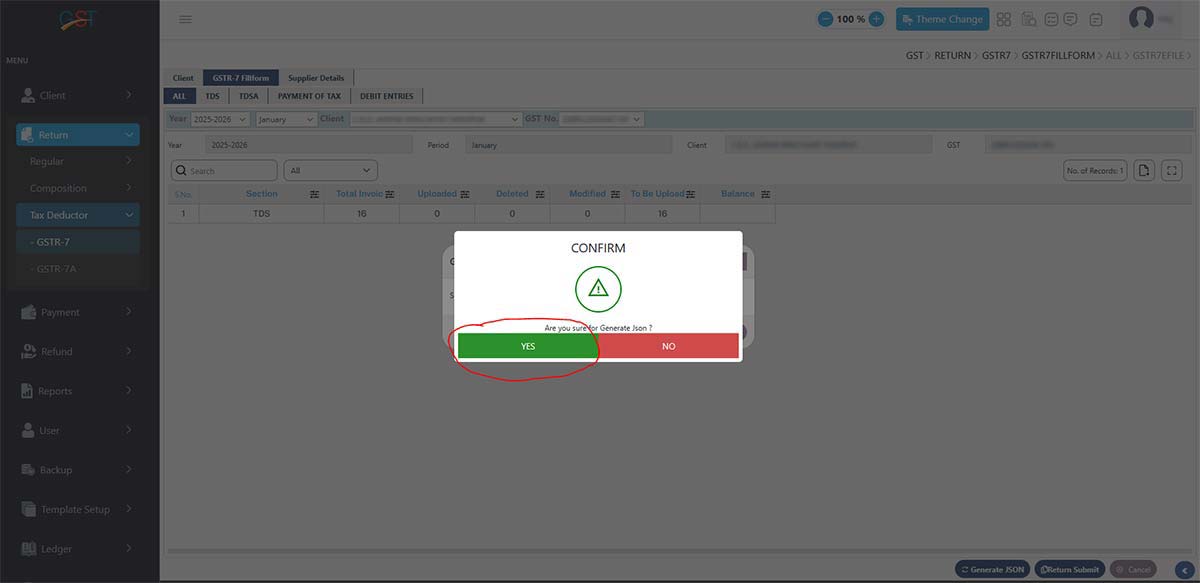
Step 7: Once confirmation is given to generate a JSON file, the software shows the file upload and status. Then, select Compare Uploaded Data and Upload Data & Compare, and click Process.
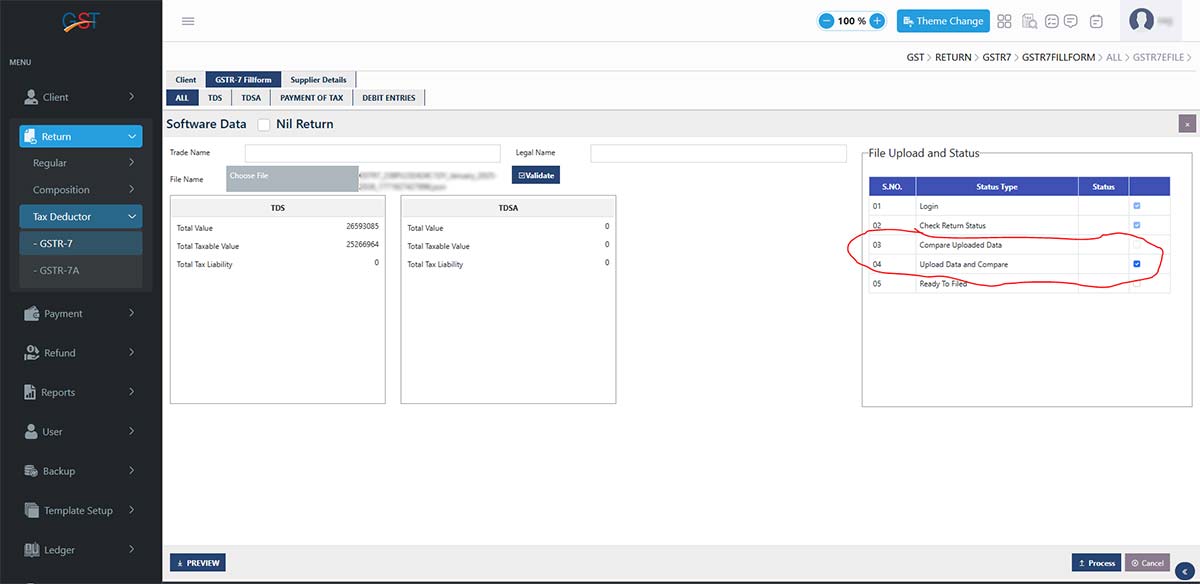
Step 8: Finally, log in to the GSTN official portal to file the GSTR-7 TDS form.
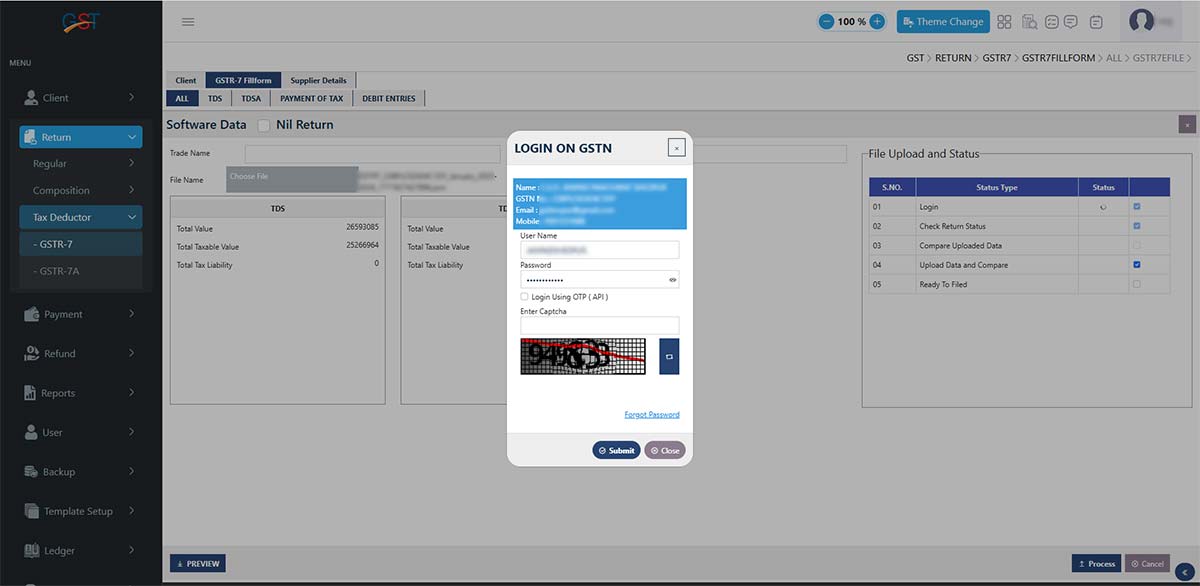
GSTR-7 Filing Process in PDF
Recommended: Free Download Gen GST Software for E-Filing GSTR 7 Form